Business problem
Preparing for a renewal means knowing how the account stands, for example, what value the customer has seen, what concerns they've raised, and who is still involved. That information is spread across calls and emails, so the opportunity owner finds risks late, and a customer who stops responding can go unnoticed until the renewal is close.
Get ahead of renewals with agents
Build agents that run on their own 90 days before a renewal closes, or when a renewal goes quiet, and email the opportunity owner a readiness brief or a recovery plan.
Quick start
1Pick your starting point. Use a Gong template, or start from scratch.
2Choose when it runs. Pick the moment that starts it, like a deal closing or a renewal coming up.
3Tell it what to do. Write the instructions, and choose who gets the result.
4Turn it on. From then on, it does the work every time.
Know before you build
Required permissions: Manage company agents, skills and automations.
Credits: The Generate with AI step uses Gong credits each time it runs. The trigger and the Send an internal email step don't.
Recipients: In the Recipients field, first choose a kind (CRM role, Manager of CRM Role or Team member), then select the CRM field or team member. If the person in the CRM field has no match in Gong, or the CRM field is empty on the record, the run fails and nothing is sent.
For step-by-step instructions, see Create an automated agent.
Renewal agents
Each agent runs at a different point before a renewal. Select one below to see what it does, when it runs, and how to set it up.
Start with a Gong template
Gong prepared the template, and you can adjust it to match your settings.
Renewal readiness
Give the opportunity owner a readiness brief 90 days before a renewal closes.
Give the opportunity owner a readiness brief 90 days before a renewal closes.
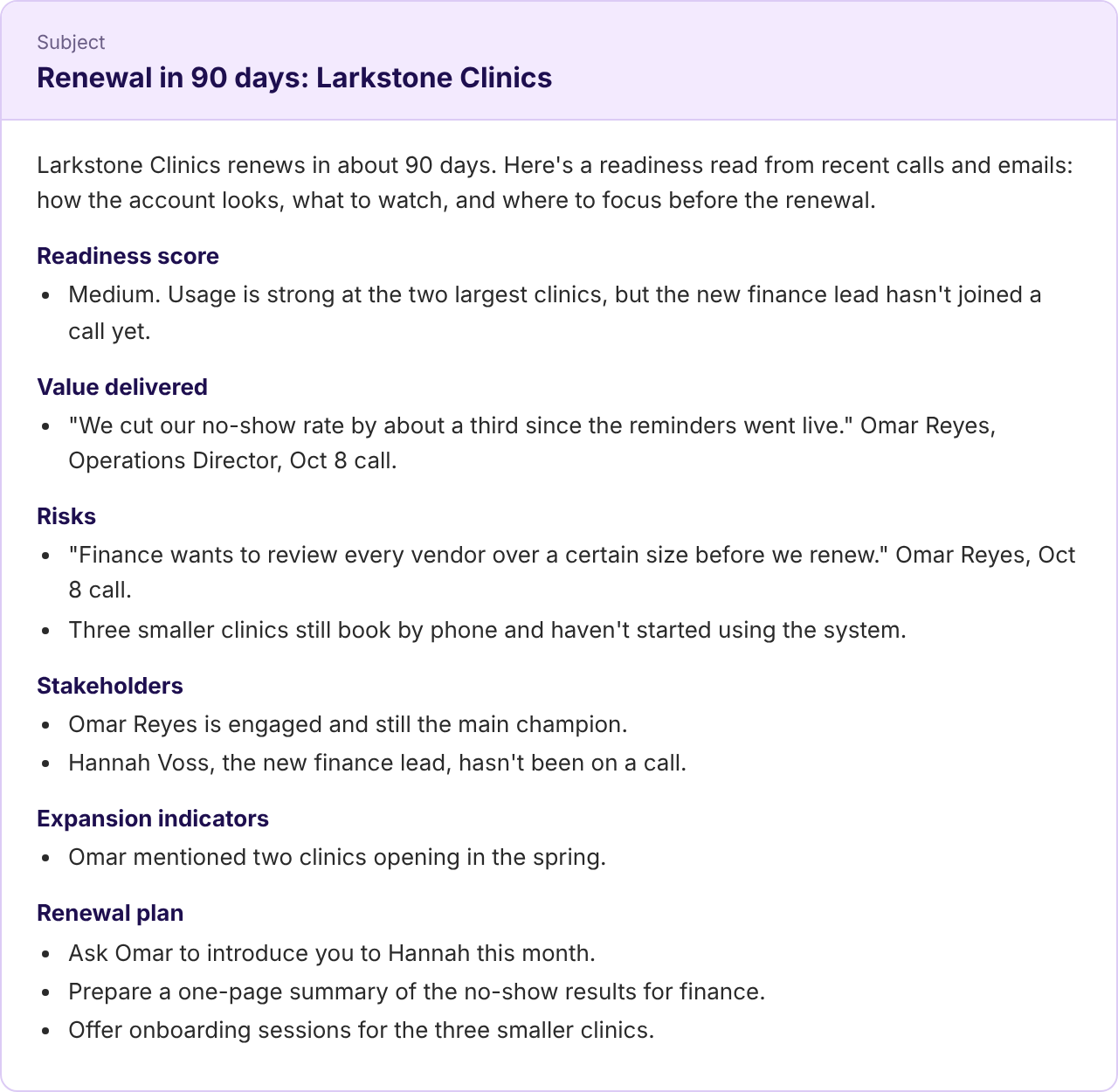
When a renewal's close date is 90 days away, the agent looks at the calls and emails it can access for the account, then emails the opportunity owner a readiness brief: A readiness score, the value the customer has seen, risks to address, who is engaged and who has gone quiet, signs of expansion, and a plan for the renewal conversation. If it finds no recent calls, the brief says so.
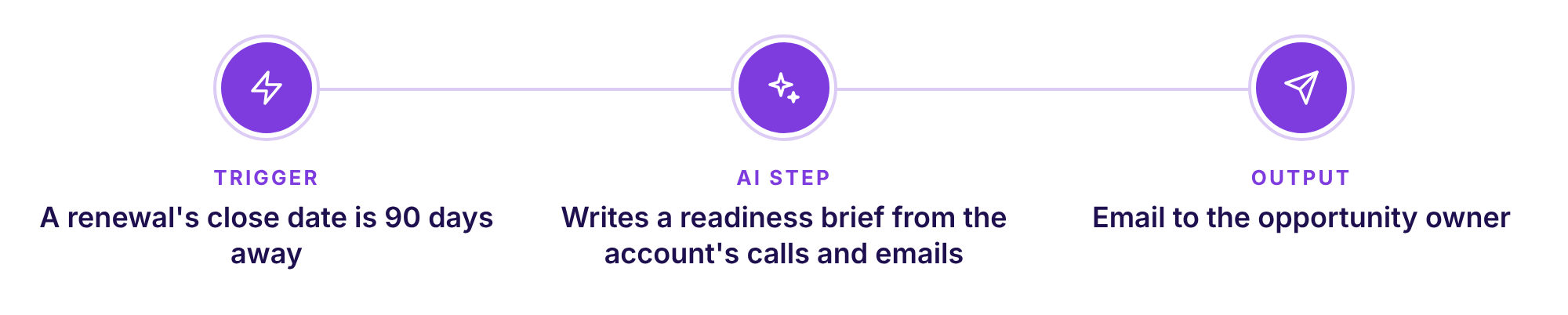
Trigger: A renewal's Close Date is 90 days away
Notify: The opportunity owner, by email
Example output: The email the agent sends
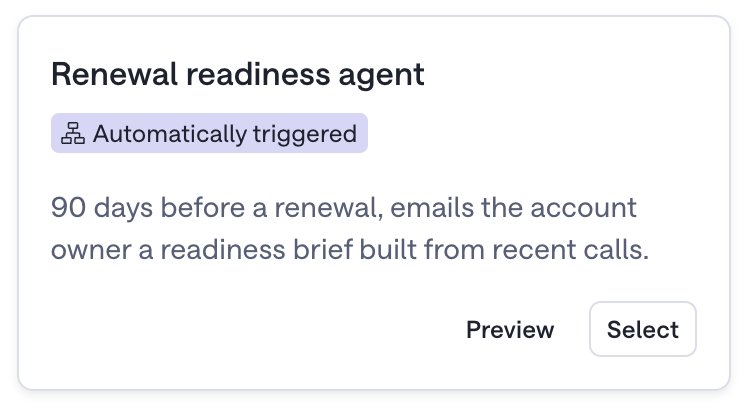
Template: Go to New agent and select the Retention category. Find the Renewal readiness agent template.
After you select the template, check the following:
Renewal filter: The template runs only on opportunities whose name contains "Renewal", in any letter case. Open the trigger and check that the filter is there. If it's missing, the agent runs on every opportunity 90 days before its close date, so add a filter for Name contains Renewal. If your company doesn't name renewals that way, change the filter to match how your CRM marks them.
Recipient: The email goes to the opportunity owner, and the chip reads Opportunity Owner ID. If someone else owns renewals at your company, select their CRM field instead.
When it runs: The agent runs on the 90th day before the close date, and only on that day. A renewal created less than 90 days before its close date doesn't start it, and turning the agent on doesn't catch up on renewals already inside 90 days. If the close date changes so that it's 90 days away on a later day, the agent runs on that day. To get the brief earlier or later, change the number of days.
Build it yourself
You can set these agents up yourself using the triggers and instructions provided.
Gone-dark customer recovery
Send the opportunity owner a recovery plan and a draft note when a renewal goes quiet.
Send the opportunity owner a recovery plan and a draft note when a renewal goes quiet.
When a renewal has had no logged activity for 45 days, the agent goes back through the calls and emails it can access for the account, then emails the opportunity owner a recovery plan: The last touchpoints, likely reasons for the silence, who to reach, three next steps, and a short note the owner can send. The agent doesn't contact the customer. If it finds no calls or emails, it says so.
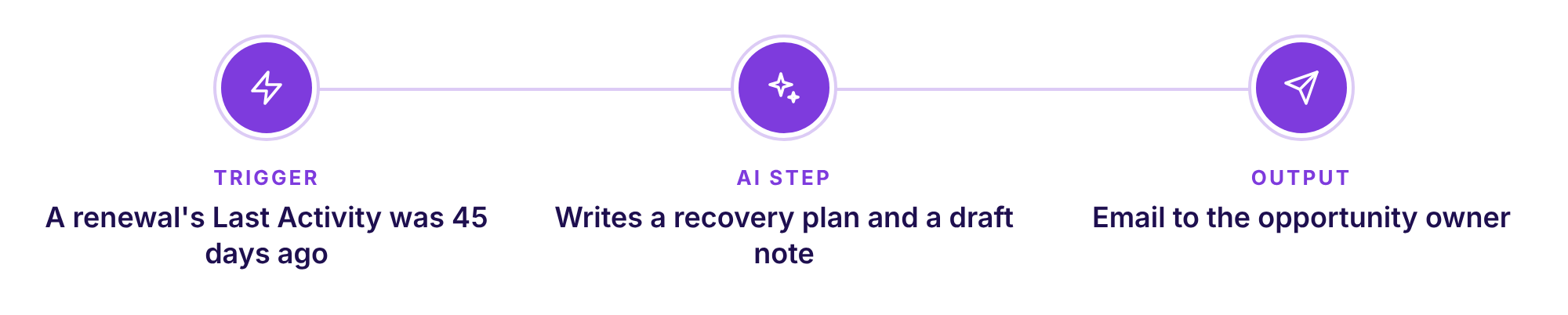
Trigger: A renewal's Last Activity was 45 days ago
Notify: The opportunity owner, by email
Example output: The email the agent sends
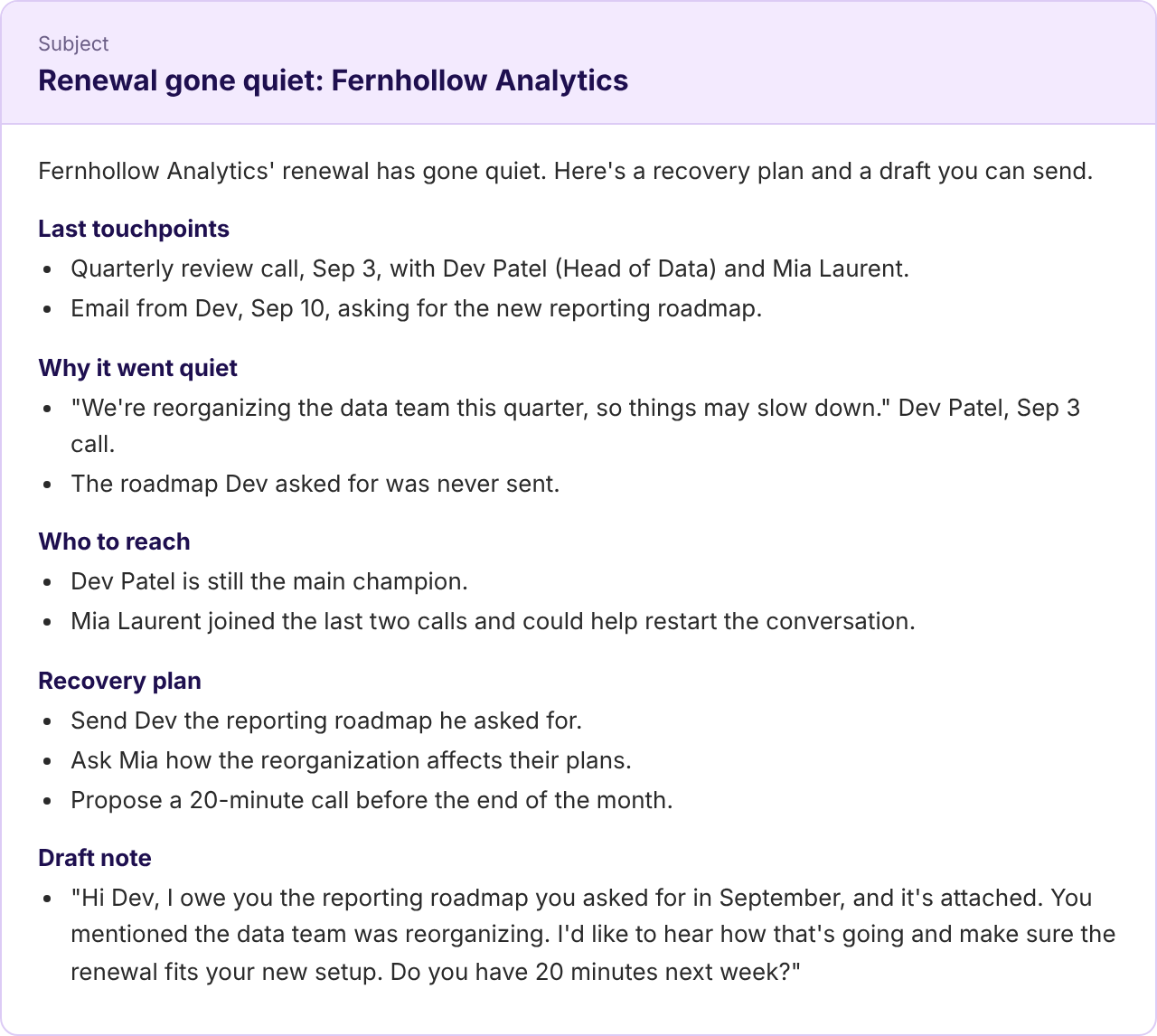
Set up the agent:
Trigger: Choose Date condition, then When a date has passed. Select Opportunity and Last Activity, and set the number of days to 45.
Last Activity: This is a Salesforce field, and it changes only when an activity is logged in Salesforce. Gong calls and emails count only if they're logged there. If your company uses HubSpot or Dynamics, select the date field your CRM uses for the last activity instead.
Filters: Under Optional filters, add two conditions. For each, click Add filter and select Single condition. For Closed, change the selection from True to False, so the agent runs only on open opportunities. For Name, select contains and enter Renewal, so it runs only on renewals.
Recipient: In Recipients, choose CRM role and select Owner ID. The list isn't in alphabetical order and includes other owner fields, so check that the chip reads Opportunity Owner ID.
Email: In the Send an internal email step, enter a subject in the Subject field, such as "Renewal gone quiet". In the email body, select Add AI response to insert the recovery plan.
Settings: Click Settings and enter a name in the Agent name field. Under Data access, select CRM role, click Select a user field, and select Owner ID. The agent then reads the calls and emails the opportunity owner can access.
When it runs: The agent runs on the 45th day after the last logged activity, and only on that day. A renewal that has already been quiet for more than 45 days when you turn the agent on doesn't start it. Once someone logs a new activity, the 45 days start again from that date.
Instructions: In the Generate with AI step, paste the following text into the Instructions field.
Role: You are helping the renewal owner restart a customer conversation that has gone quiet before the renewal.

Use only: The calls and emails for this account. If none are found, output "Insufficient history: no calls or emails found for this account" and stop. Don't invent reasons or contacts.

1. Last touchpoints: The most recent calls and emails, each with the date and who took part.
2. Why it went quiet: Likely reasons for the silence, each with a short quote and the call or email date.
3. Who to reach: The best contacts to approach, and whether the main champion is still involved.
4. Recovery plan: 3 specific steps, in priority order.
5. Draft note: A note of up to 70 words for the owner to send. Reference something specific the customer said, and acknowledge the gap. No "just checking in".

Format: Use a heading for each section with bullets underneath. Keep it under 400 words.

Tone: Clear and practical.

Do not: Recommend discounts or pricing changes.
Tip:
Looking for agents for other teams? The Custom Agents prompt library in Gong Academy has more agents, with instructions you can paste.